RistoEasy POS
Your restaurant POS
Tables, bills and payments. All in one place.
 RistoEasy.
FOUR APPS FOR YOUR RESTAURANT
RistoEasy POS for the till, Menu for tablets, Fast for phone orders and Cucina for kitchen orders, labels and the catalogue. Choose the app for each station and connect your restaurant’s work.
IT · 中文 · EN · FR · ES · DEProduct information in six languages. Software in Italian and Chinese.
RISTOEASY
Each app has its own sign-in and features. Explore the right app for your station and choose iOS or Android.
Your restaurant POS
Tables, bills and payments. All in one place.
Ordering on a table tablet
Guests choose. You set the rules.
QR ordering on their phone
The table menu, on the guest’s own phone.
Orders, labels and catalogue
Your kitchen’s work, in one app.
RISTOEASY
The POS manages the bill, tablets and phones collect guests’ choices, and the kitchen follows preparation. Each app has its own role in service.
From restaurant service to the sales counter
Tables, photo menus, kitchen orders and bills in the same system. All you can eat menus can have limits by guest, category and dish.
RistoEasy MenuTable ordering by tablet or QR, photo menus and takeaway management. Choose tools that fit the service in your business.
RistoEasy FastManage products, bills and compatible payment methods from the POS. Explore RistoEasy POS features for your sales counter.
RistoEasy POSYour restaurant POS
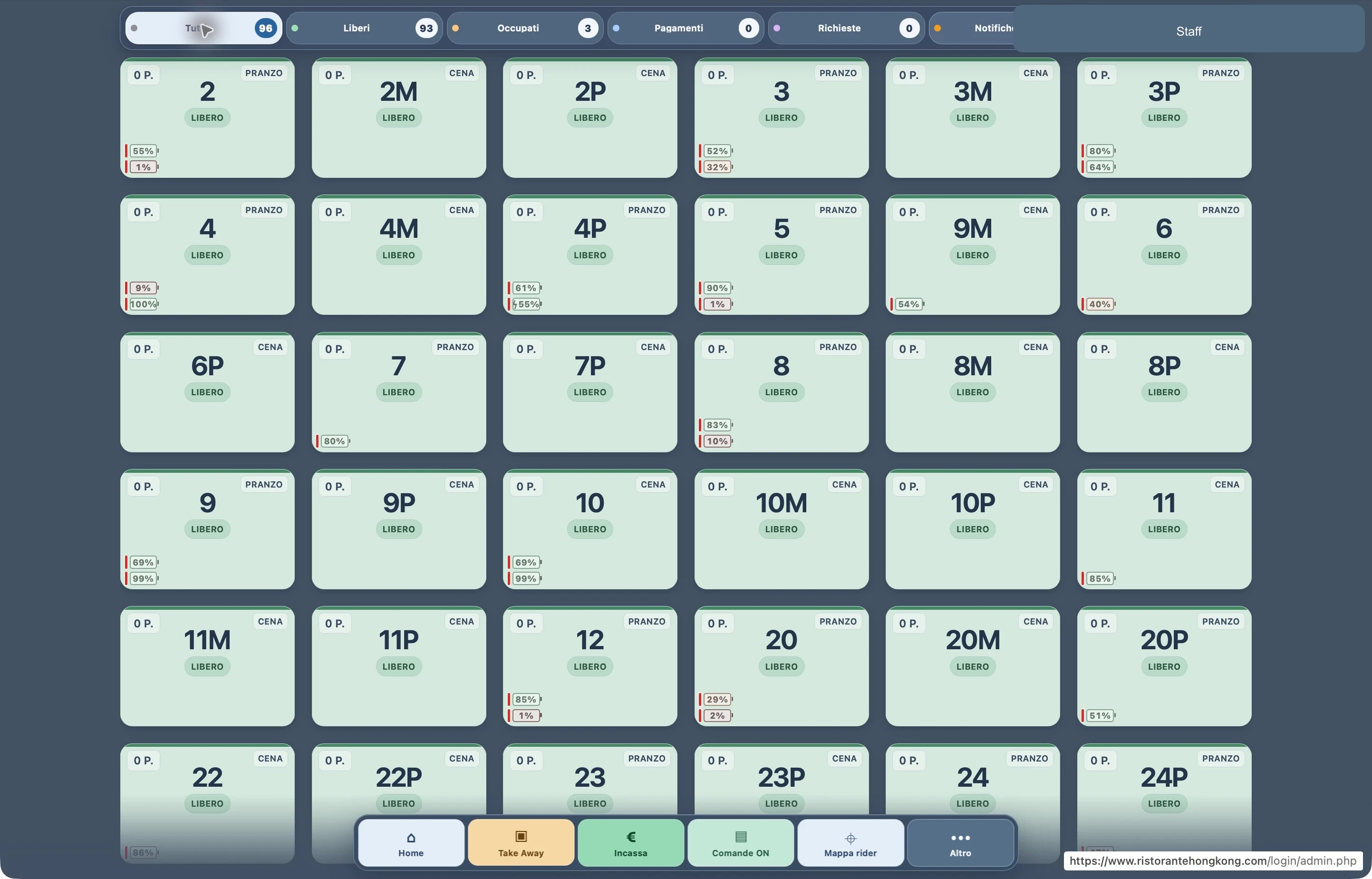
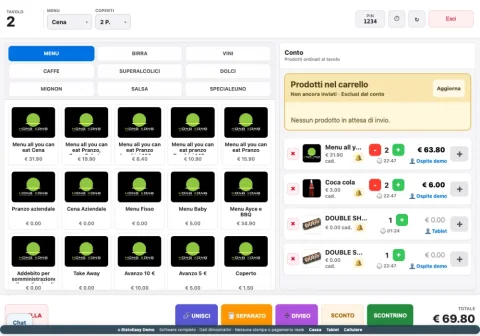
Tables and bills.
Everything within reach.
From tables to payments, find everything you need in one place. Even when a guest pays for selected items, splits the bill or combines payment methods.
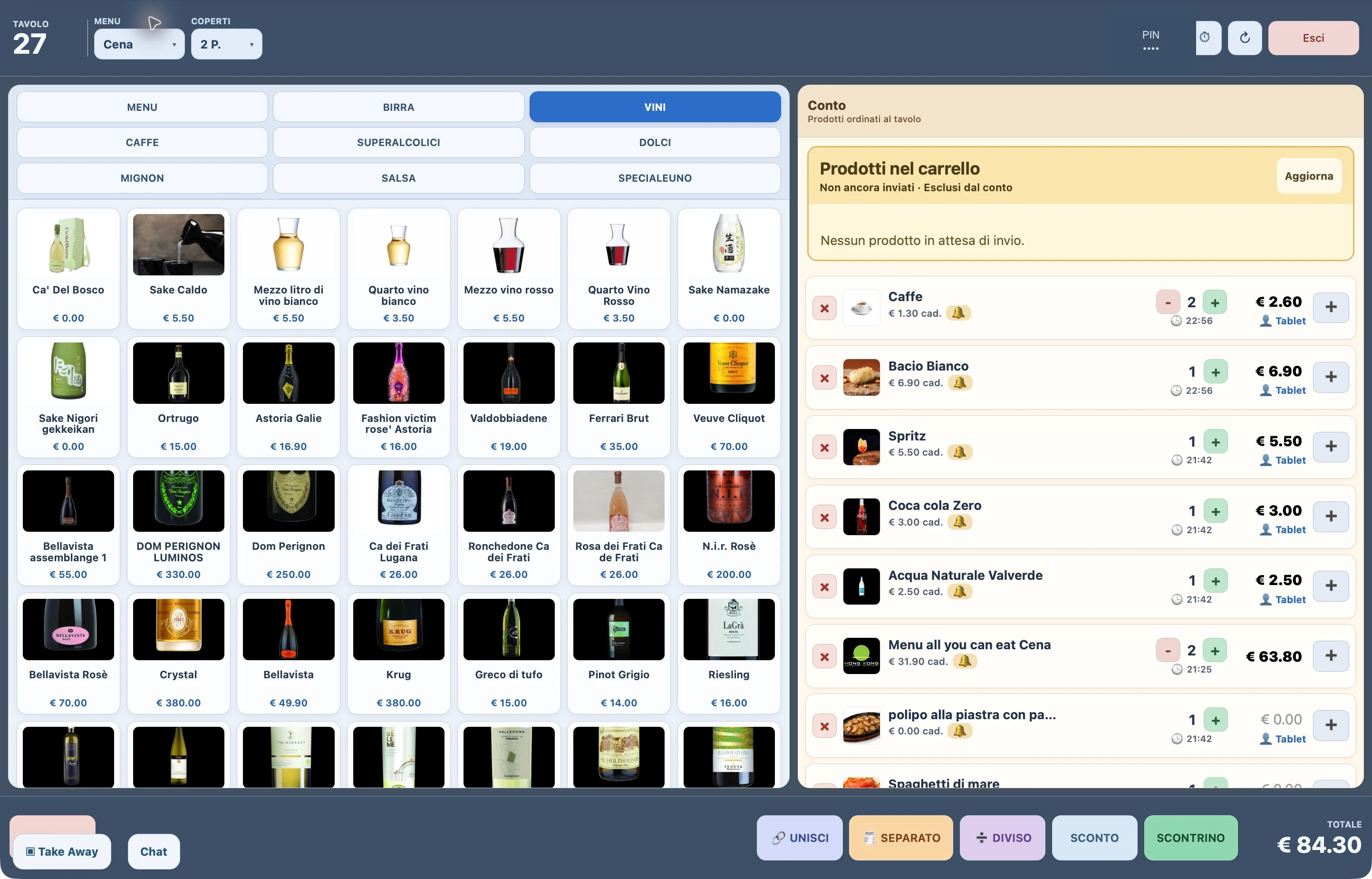
One bill, itemised splits, equal shares and mixed payments.
SumUp, Nexi, cash via Cashmatic, electronic or paper meal vouchers and Satispay.
Invoice management, daily totals and takings comparisons.
Most and least ordered dishes, guest counts and comparisons between periods.
Ordering on a table tablet
Guests place orders.
You set the rules.
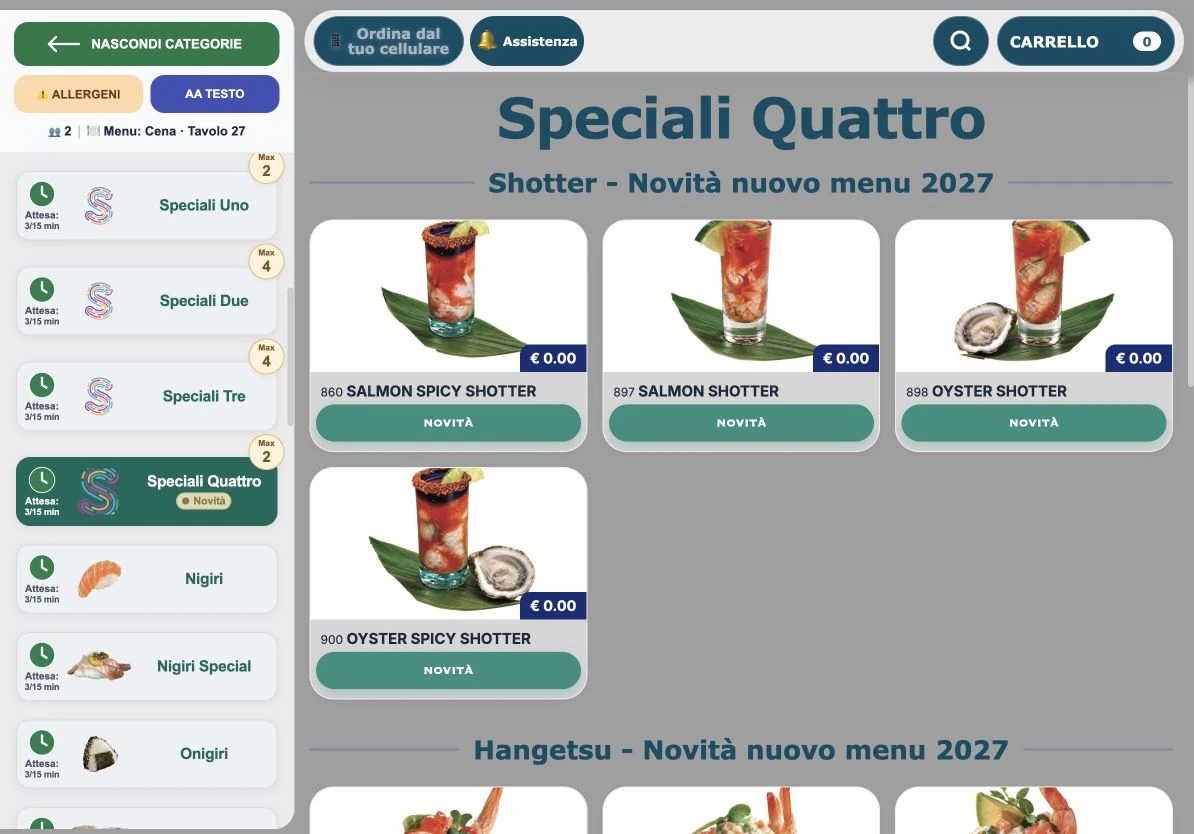
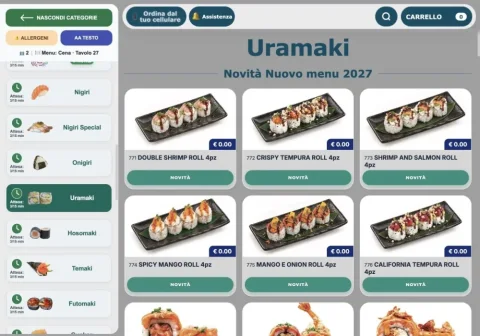
A photo menu, categories and search help guests choose. Set limits and availability for each menu; guests can track orders, contact staff and check waiting times on the tablet.
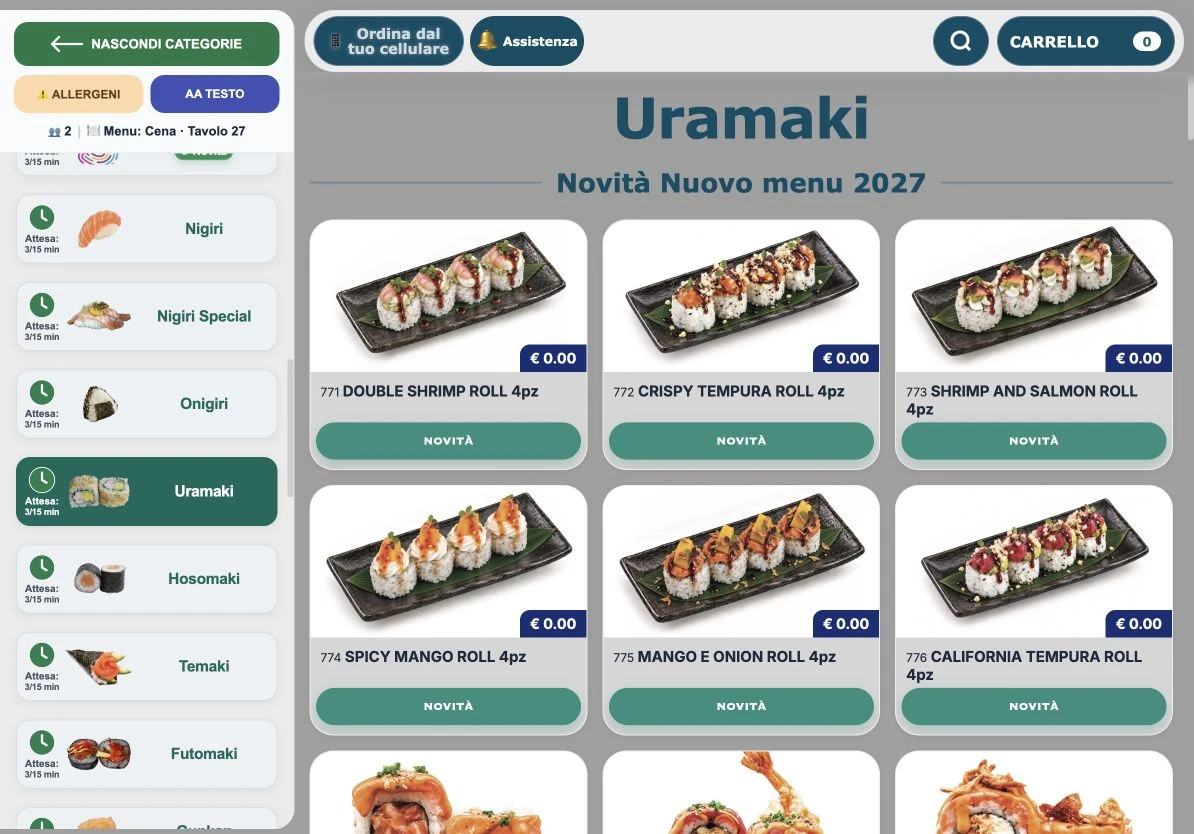
Choose how many portions of a category each guest can order, with different rules for lunch, dinner and other menus.
Set how often a dish can be ordered and limit individual subcategories within a category.
Guests can send a reminder for ordered dishes directly from the tablet, letting staff know which ones they are still waiting for.
Call a waiter, request the bill and chat with the till: guests can communicate without leaving their table.
Check dish allergens and enlarge the menu text for easier reading.
Indicative times and indicators update according to kitchen station workloads and the number of guests present, helping guests choose.
QR ordering on their phone
A QR code at the table.
The menu on their phone.
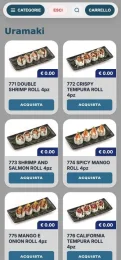
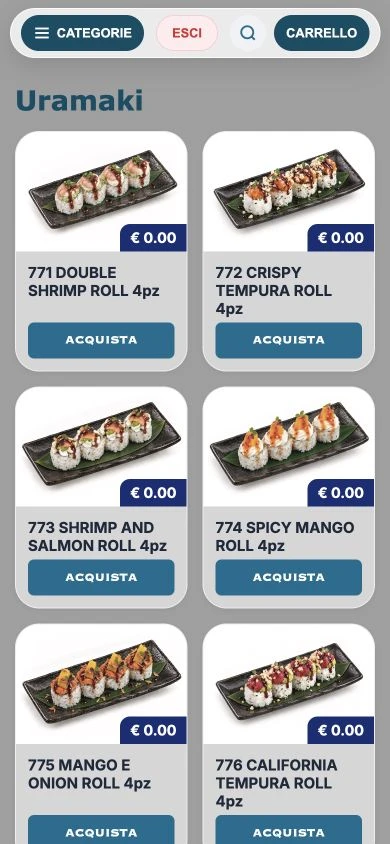
Guests scan the QR code and order on their own phone. Their choices stay linked to the table and appear on the same bill at the till.
Orders, labels and catalogue
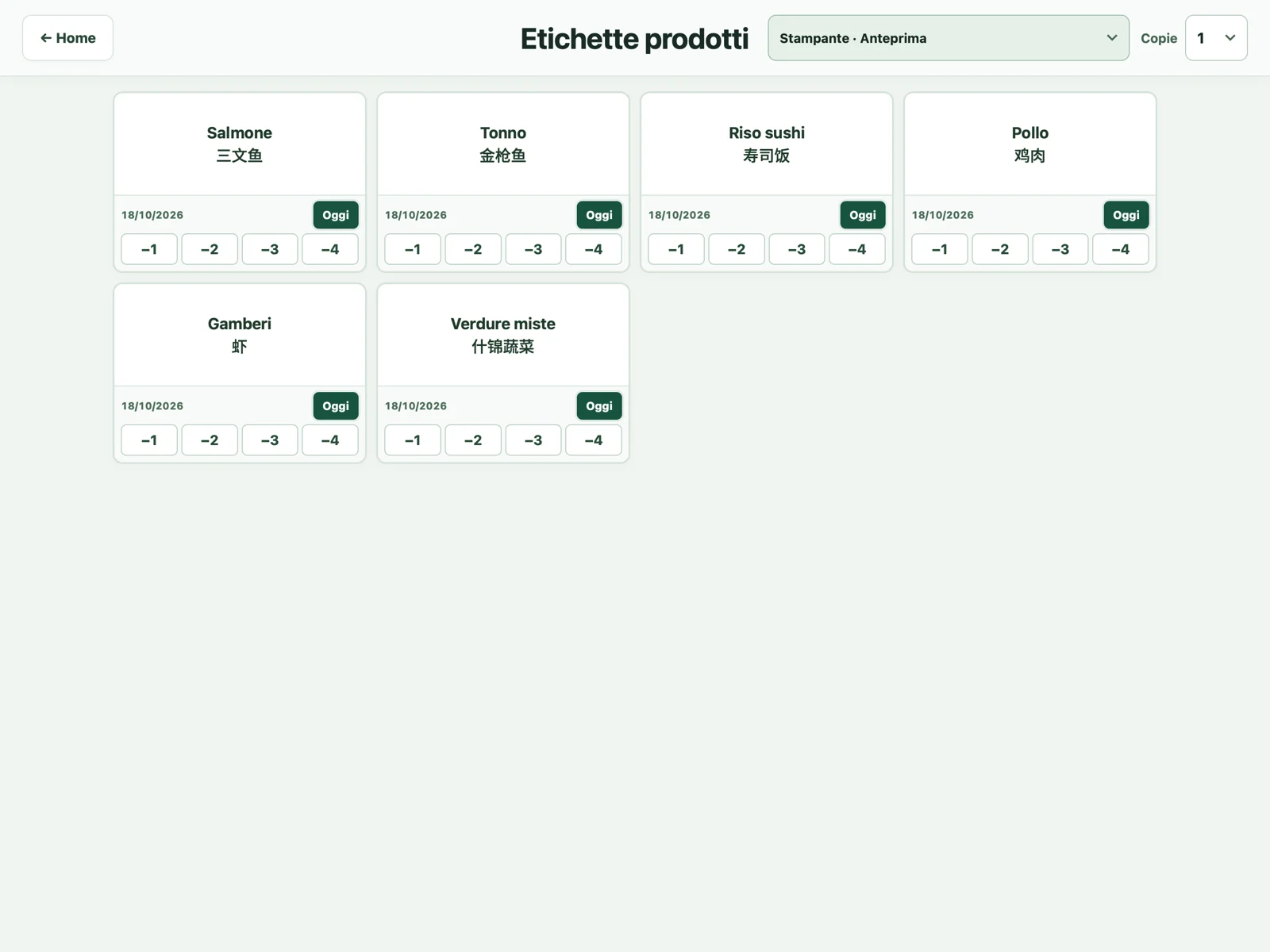
Orders, labels and products. All in Cucina.
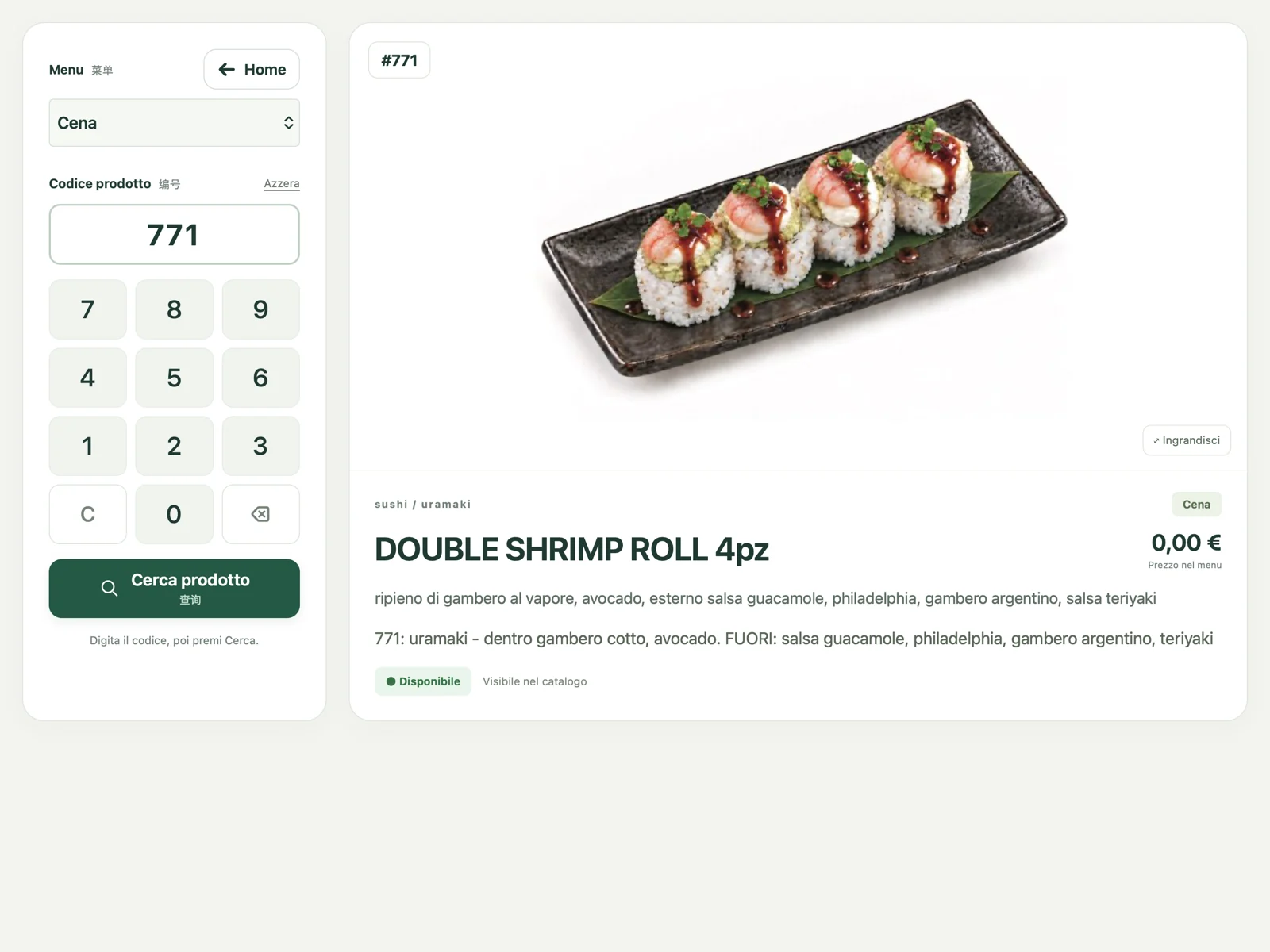
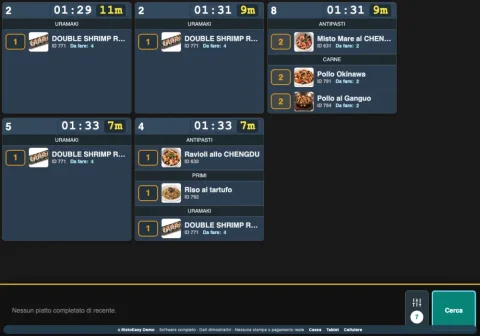
Follow orders and preparation on the display, prepare HACCP labels and browse the dish catalogue. RistoEasy Cucina brings together three tools for kitchen work.
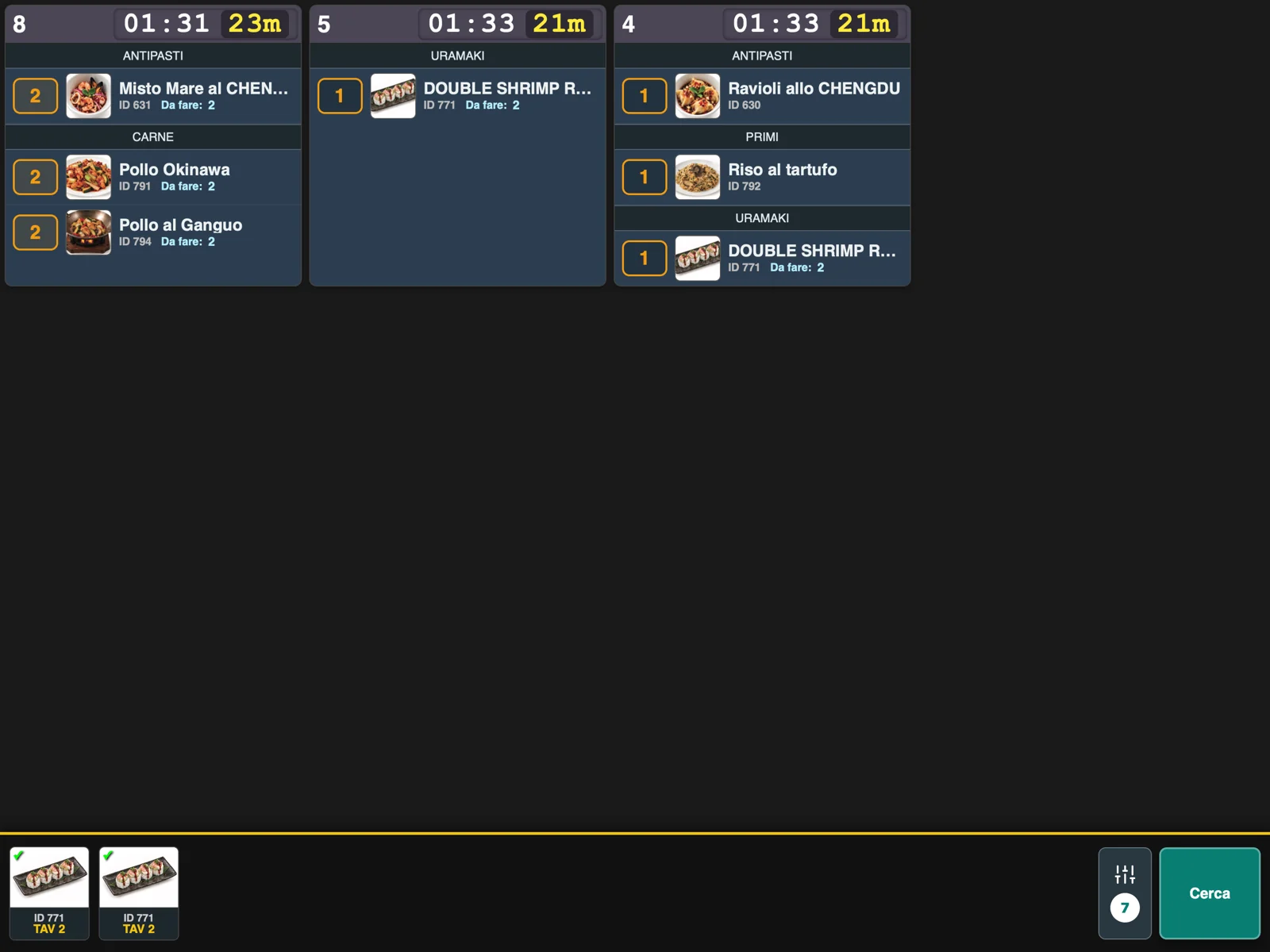
Included in RistoEasy Cucina
Alongside the kitchen order display, RistoEasy Cucina includes HACCP labels and product search. All in the same app.
PAYMENTS, CONNECTED TO YOUR TILL
Send the total to the connected device and track the payment result directly at the till. The customer display shows the bill, discounts and where to pay.
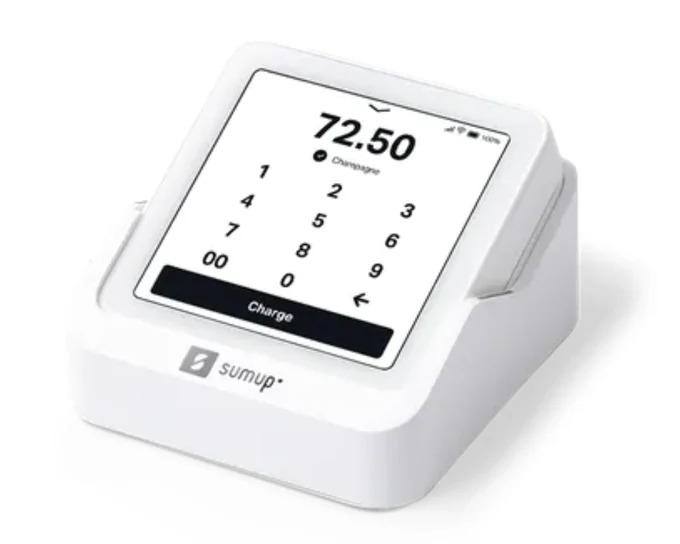
A compact POS connected to your till
Send the amount to the configured Solo and see the payment result on the bill.
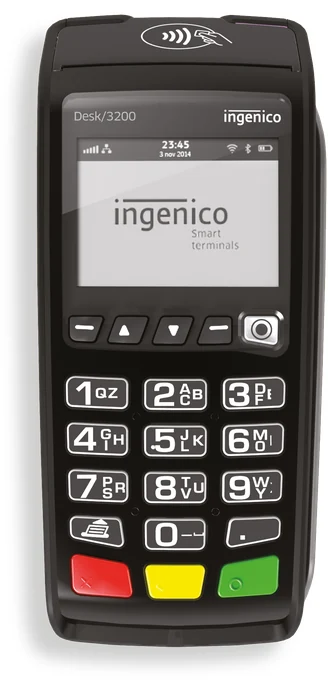
Terminals compatible with your till
Send the total and receive the terminal response within the same till workflow.
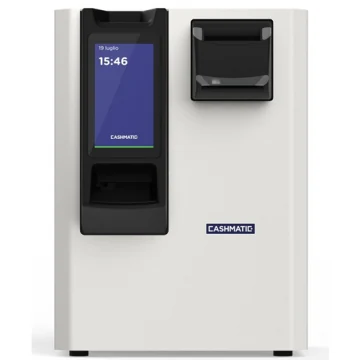
SelfPay · automated cash handling
The guest inserts notes and coins; the machine counts the cash and gives change.
01
Guests choose a card, phone or smartwatch to pay through the configured terminal.
 Apple Pay
 Google Pay
 Visa
Visa Mastercard
 American Express
02
Record paper and electronic meal vouchers, the amount used and any remaining balance paid another way.
Examples of voucher issuers
Voucher authorisation and reimbursement remain with the issuer’s terminal or service. RistoEasy records the corresponding payment.
Itemised splits, equal shares, mixed payments and Satispay recorded as a payment method.
Integrations depend on device model and configuration. Card and wallet availability depends on the restaurant’s POS and merchant agreement.
Collections, deliveries and order status alongside the till.
Messages and outgoing orders in the side panel.
Customer records, VIP benefits and configurable discounts.
Dish photos, shares, discounts and payment instructions.
TAKE A CLOSER LOOK
Tables, bills and menus: choose the view you want to explore.
RistoEasy addresses restaurants, pizzerias, sushi, burger and poké shops, bars, cafés and tobacconists. Products and setup are selected according to the billing, ordering and kitchen functions needed.
There are four apps: RistoEasy POS for the till, RistoEasy Menu for tablet orders, RistoEasy Fast for phone orders and RistoEasy Cucina for kitchen orders. HACCP labels and product search are included in Cucina.
The tablet menu supports limits per guest, category and dish, with separate rules for different menus, plus photos, allergens and requests to staff.
Yes. The operational software supports Italian and Chinese. The product website also provides English, French, Spanish and German presentations.
The system connects to a restaurant server with a local database. Functions using external services, including electronic payments, require the connectivity specified by the service and compatible configured devices.
POS, Menu, Fast and Cucina: choose the apps for your people and restaurant stations.
Let’s talk about your restaurant ↗+3937147930409
Viale Genova 6, Lodi · VAT number 12642140961
Italian e-invoice recipient code: KRRH6B9
Company information and contacts →Privacy and cookie policyRegister your restaurant