01
Find a dish by code
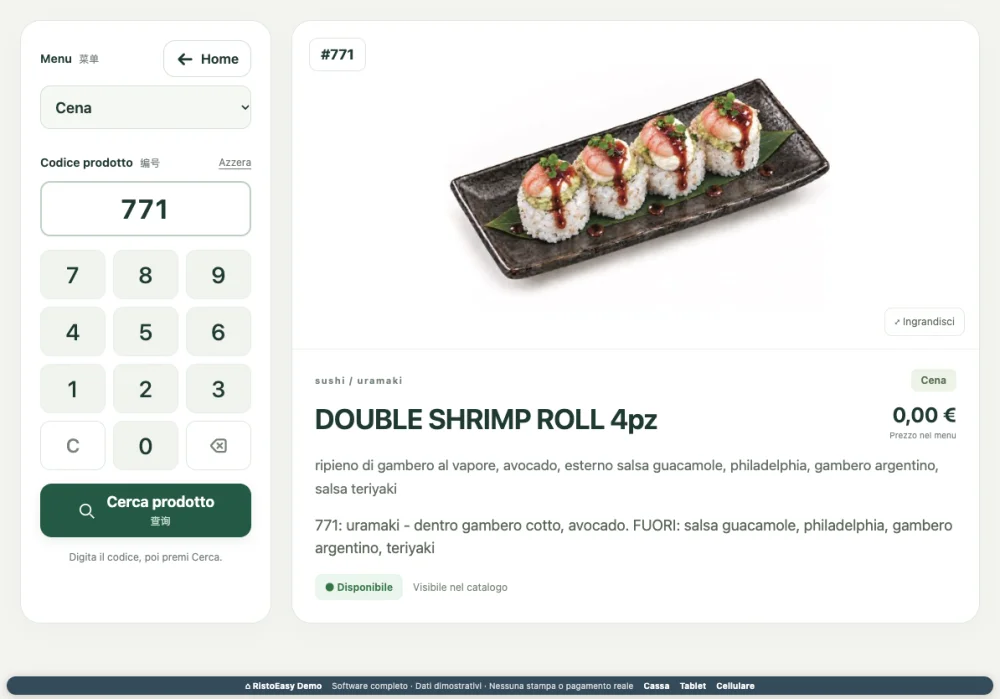
The numeric keypad makes it easy to look up a product without scrolling through every category.
Search by product code.
Select the menu to browse.
View the product associated with that menu.
 RistoEasy
Product search
Included in RistoEasy Cucina
A code. A photo. Every detail within reach.
A quick catalogue view when you need to identify or explain a dish. Select the menu, enter the code and find its photo, name and available details.
What you can do
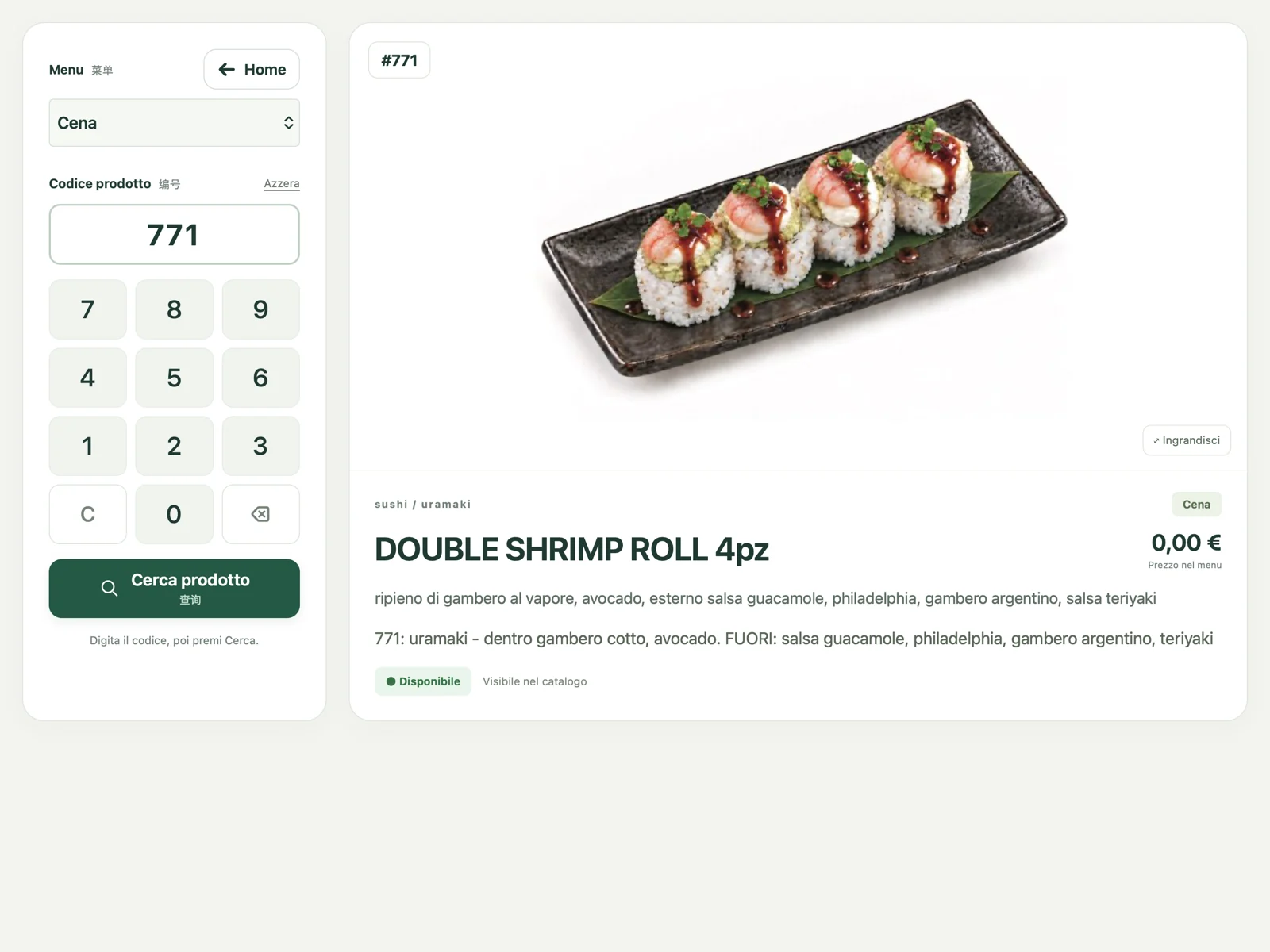
The numeric keypad makes it easy to look up a product without scrolling through every category.
Search by product code.
Select the menu to browse.
View the product associated with that menu.
A large image helps identify the dish, with readable details alongside it.
Enlarged product photo.
Name and price from the selected catalogue.
Description and ingredients available in the product details.
A dedicated lookup screen avoids opening a bill or preparing an order just to find a photo.
Direct search access from your device.
Help staff learn the menu and present dishes.
Information consistent with the restaurant’s configured catalogue.
Product search
Tap a screen to enlarge it and see the details.
RISTOEASY
Browse the catalogue for the current service.
Look up the product using the numeric keypad.
Show the photo and read the available information.
This is a lookup screen: searching for a product does not submit an order.
Details depend on the restaurant’s catalogue entry: photo, name, price and description where available.