What you can do
RistoEasy Menu, in detail. 01 Your menu rules Lunch, dinner, à la carte and other menus can have different settings. Adapt quantities to each service instead of applying one limit all day.
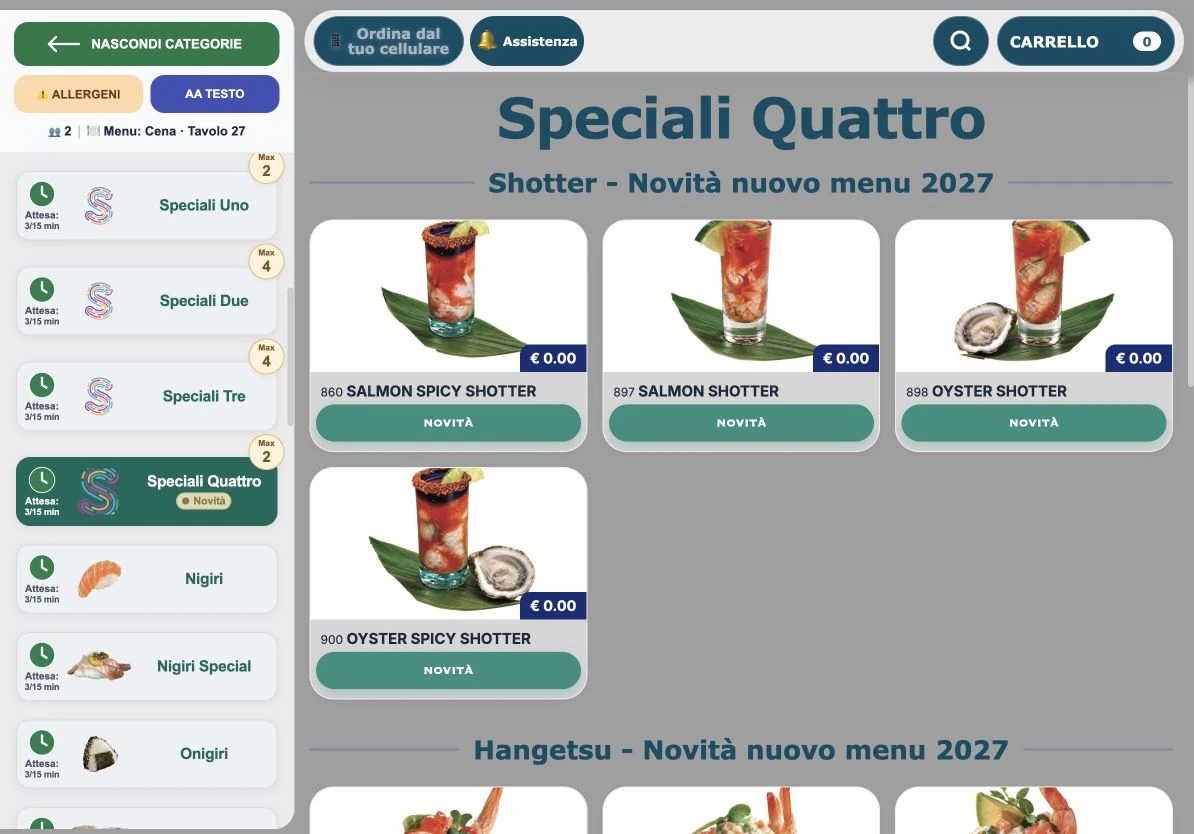
✓ Limit category portions per guest, with different values for each menu.
✓ Control how many times an individual dish can be ordered.
✓ Set limits for subcategories and product groups.
✓ Manage availability, intervals between submissions and fixed-menu and poke combinations.
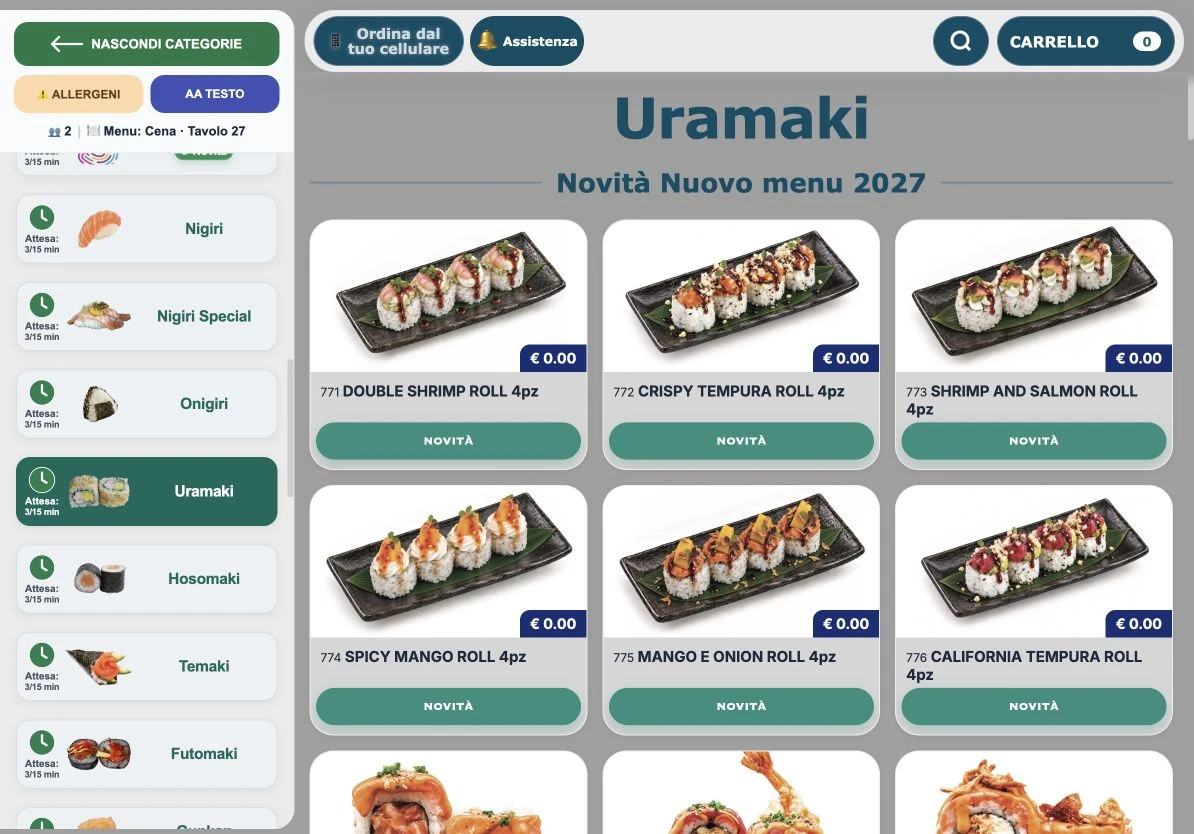
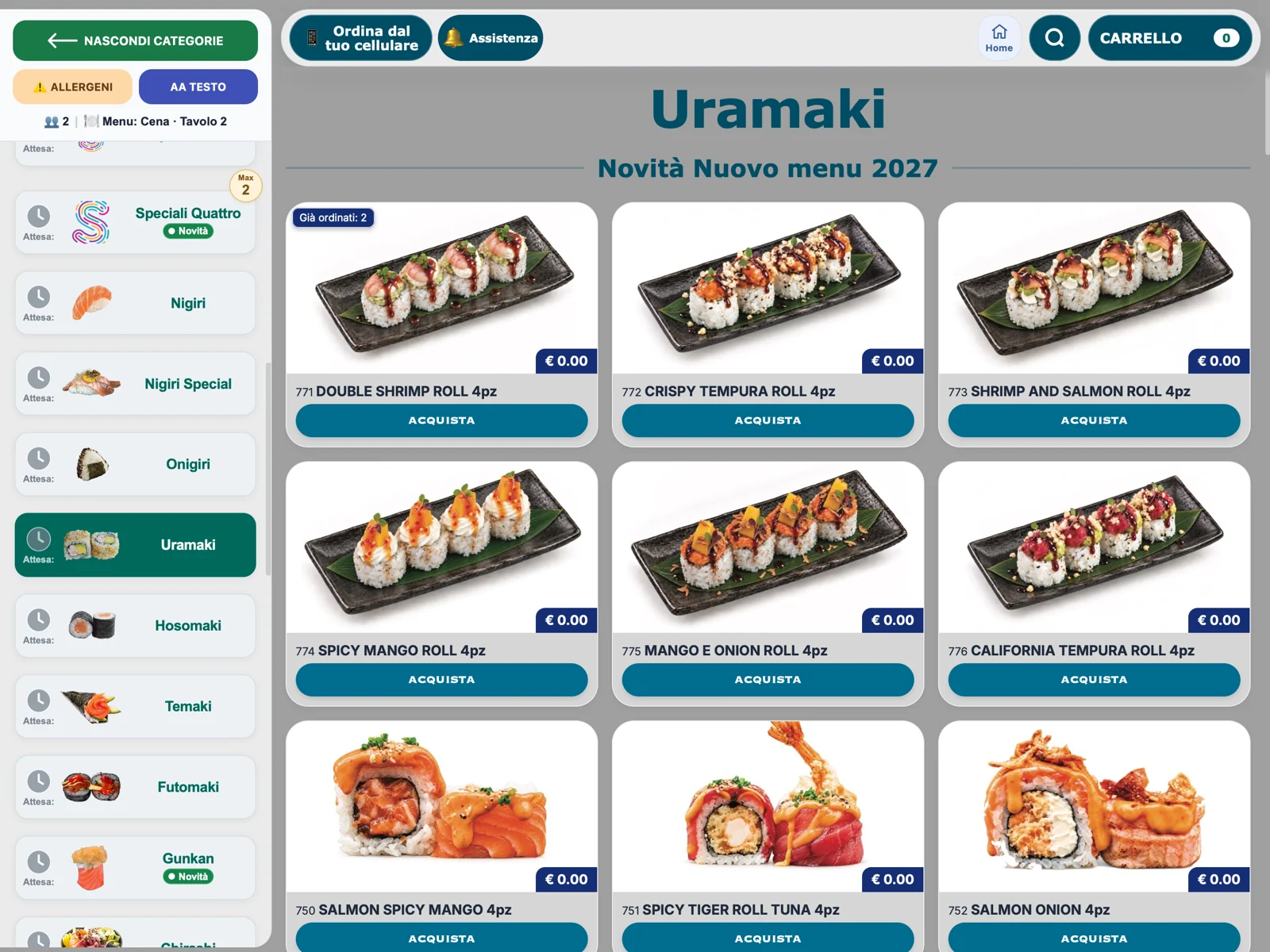
02 A clear experience at the table Side categories keep the menu within reach. Photos and summaries distinguish items being selected from those already submitted.
✓ Categories with photos, search, new-dish badges and limits.
✓ Viewable allergens and adjustable text size.
✓ Separate views for the cart and ordered items.
✓ An interface adapted to portrait and landscape tablets.
03 Guests communicate, staff stay informed Guests can request help directly from the menu. Waiting indicators help them choose dishes during service.
✓ Call a waiter or request the bill.
✓ Chat with the till without leaving the table.
✓ Send reminders for ordered dishes still being awaited.
✓ Indicative waiting times updated using kitchen station workloads and configured thresholds.
RistoEasy Menu
Inside the product Tap a screen to enlarge it and see the details.
↗ 01 Side categories and photo menu.↗ 02 Menu categories and dishes.↗ 03 Menu and categories on the tablet.01 Configure the rules Choose menus, limits and information to show guests.
02 Guests choose They browse photos and allergens, build their cart and submit the order.
03 Dining room and kitchen follow Orders reach the system with notes, requests and updates.
Frequently asked questions Are waiting times a delivery promise?+ They are estimates based on workload and restaurant settings, not guaranteed delivery times.
Can I set different lunch and dinner limits?+ Yes. Category limits and their settings are separate for each menu type.