What you can do
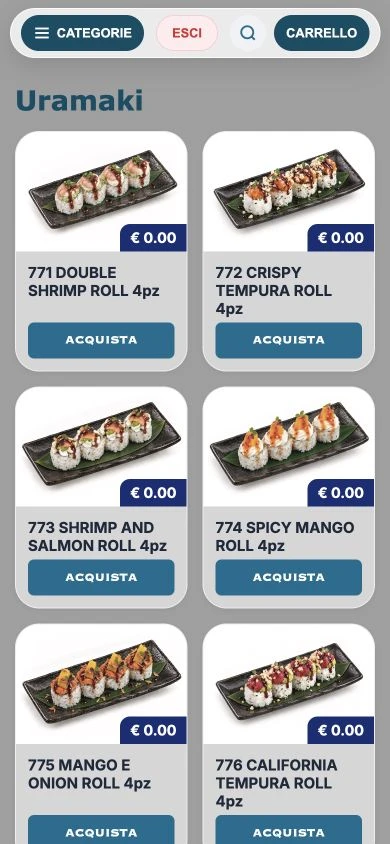
RistoEasy Fast, in detail. 01 The menu comes to their phone Access designed for the table: the QR code directs guests to the ordering page, showing the products available in the associated menu.
✓ Use a smartphone browser without requiring every guest to install an app.
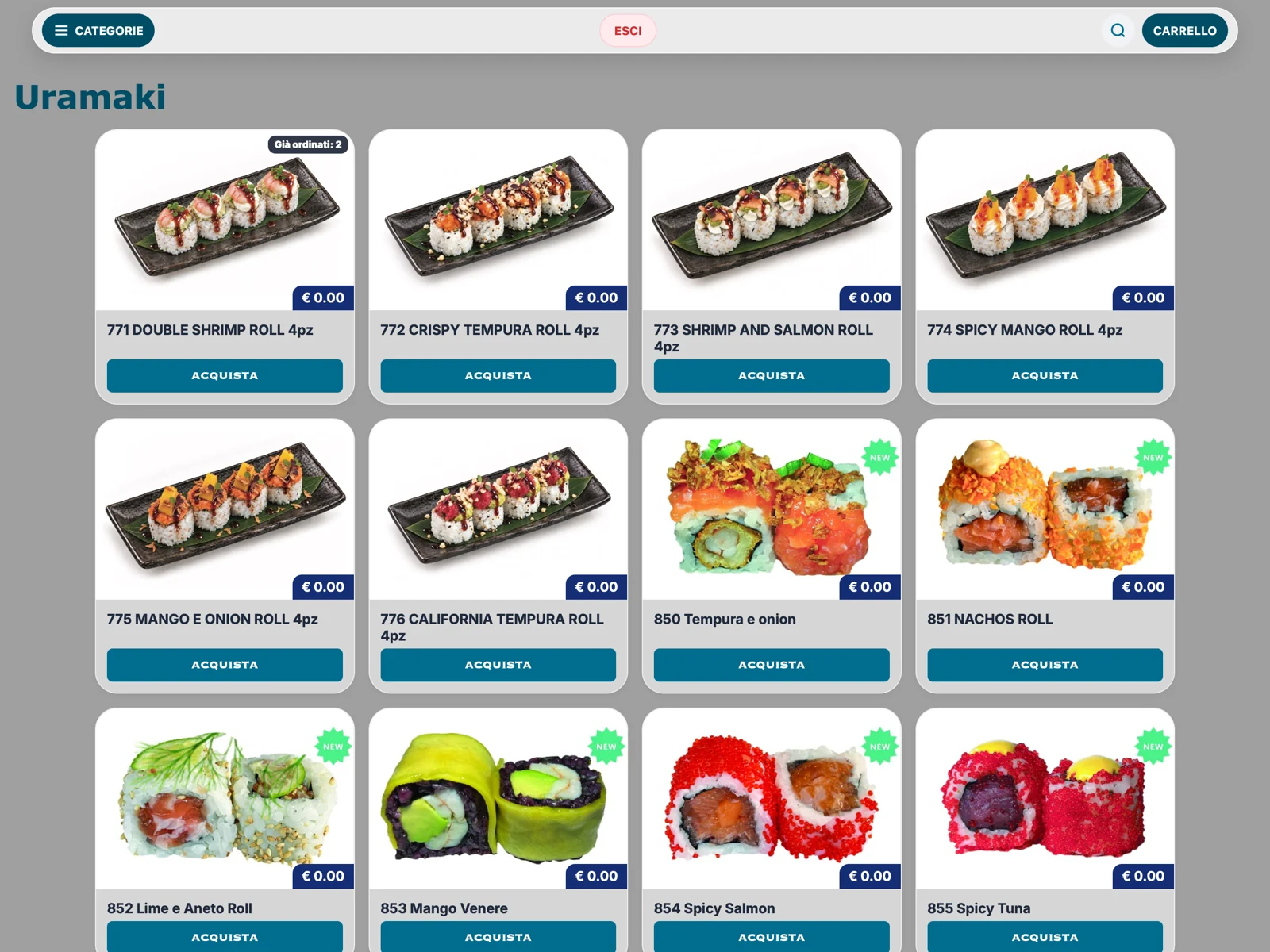
✓ Categories, dish photos and search help guests find what they want.
✓ Allergen information and product details from the catalogue.
02 From cart to table Guests prepare their choices and review what has already been ordered. The table connection keeps everything consistent with the till.
✓ Cart and summary of ordered items.
✓ Send orders to the table associated with the QR code.
✓ Notes and product choices handled by the ordering flow.
03 Another way into the same system QR ordering works alongside tablets and staff. The bill stays in the restaurant’s till with the table’s orders.
✓ Phone and tablet orders in the same service.
✓ Staff communication tools in enabled features.
✓ Useful when you do not want to give every guest a tablet.
RistoEasy Fast
Inside the product Tap a screen to enlarge it and see the details.
↗ 01 The menu on the customer’s phone.↗ 02 Photos and categories on the ordering page.01 Place the QR code on the table Set up the correct link for the restaurant table.
02 Guests browse and choose They open the menu on their phone and prepare an order.
03 The order stays in the system The till finds the choices at the table and prepares the bill.
Frequently asked questions Must guests download RistoEasy to order?+ The menu can open in a phone browser. App access is optional, not a requirement for every guest.
Does the QR code create a separate bill from the till?+ No. Choices are linked to the table managed by the till; staff retain control of the bill.