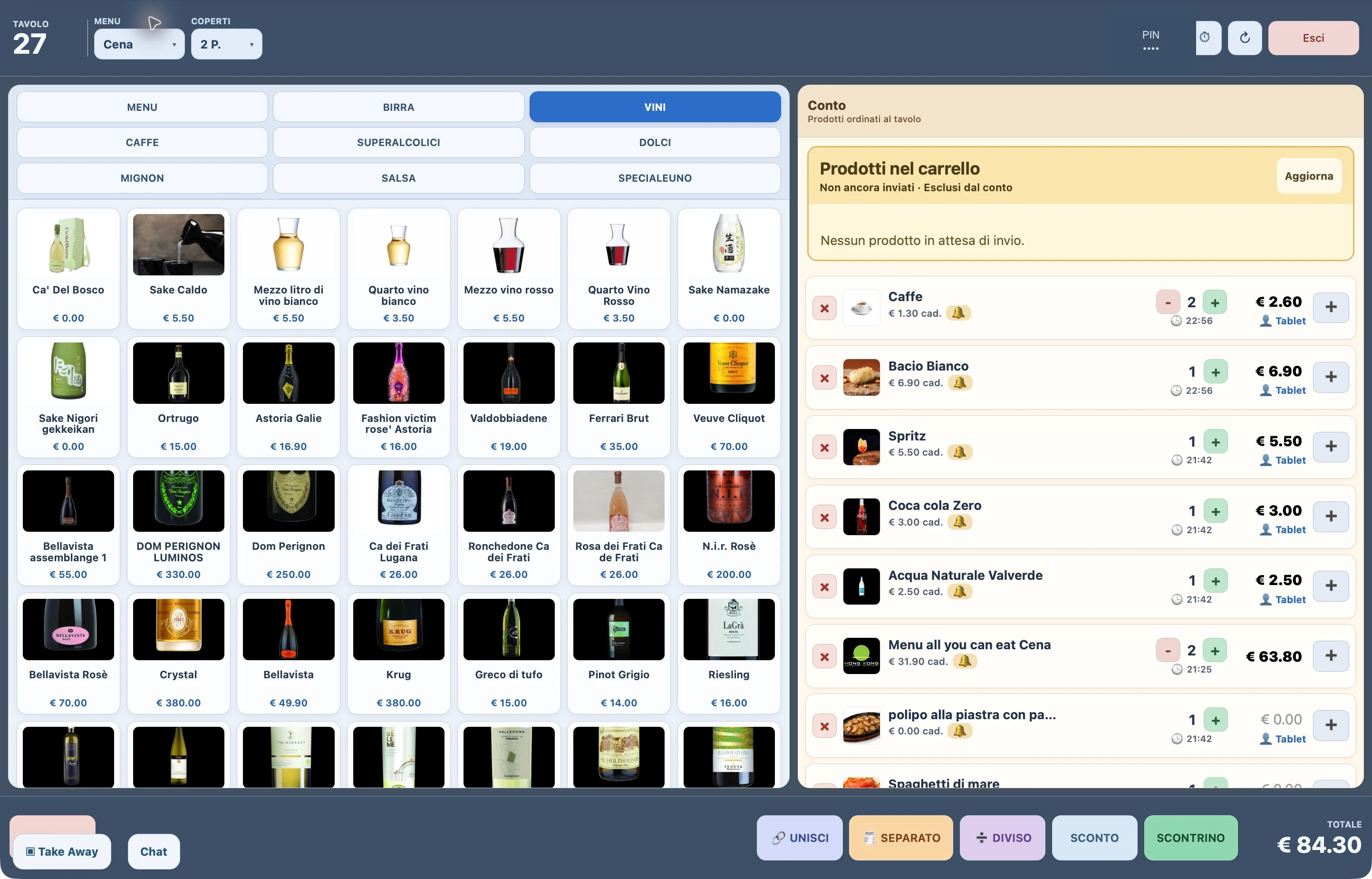
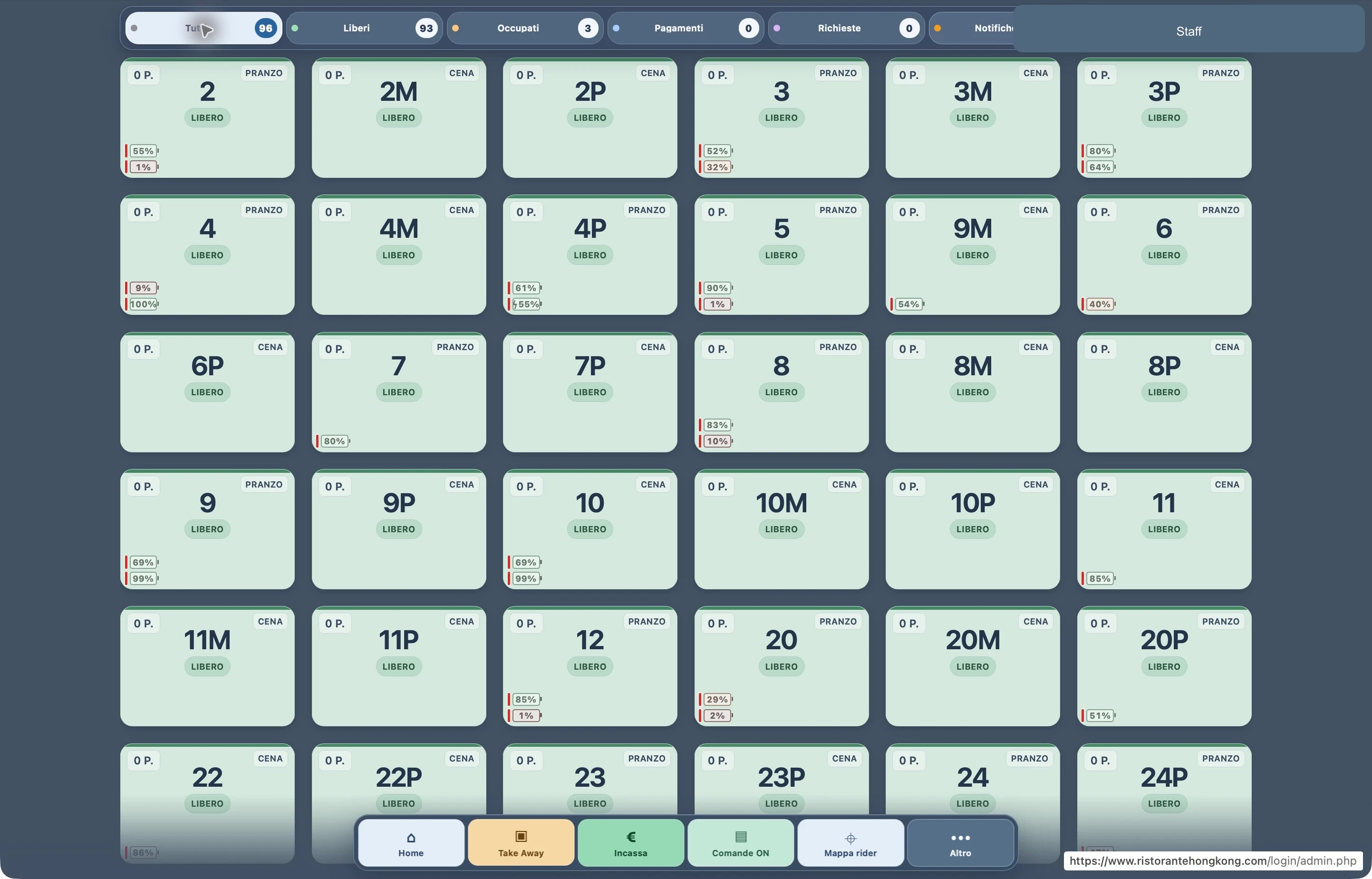
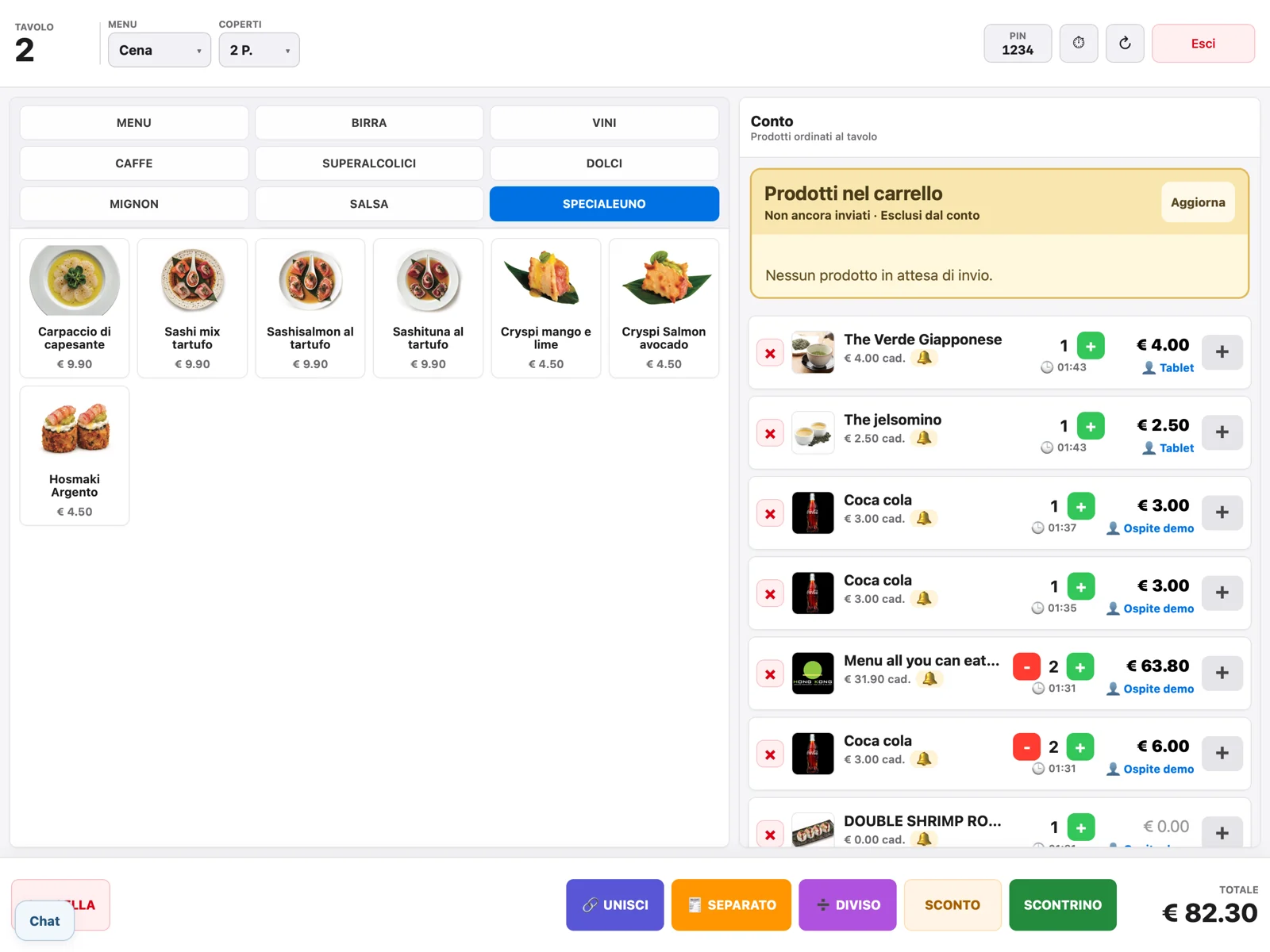
From the dining room to payment, follow your service in one workspace. Manage tables and products, choose how to split bills and keep takeaway orders, messages and connection status in view.
From till to POS, without entering the amount twice.
Send the total to the connected device and track the payment result directly at the till. The customer display shows the bill, discounts and where to pay.
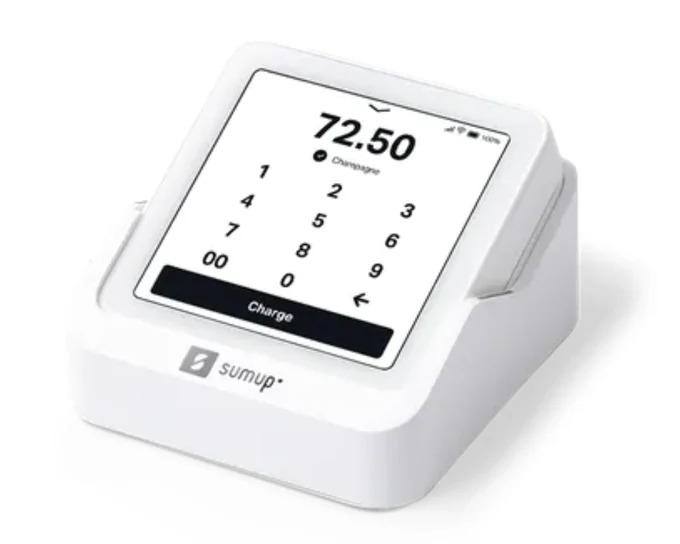
SumUp Solo
A compact POS connected to your till
Send the amount to the configured Solo and see the payment result on the bill.
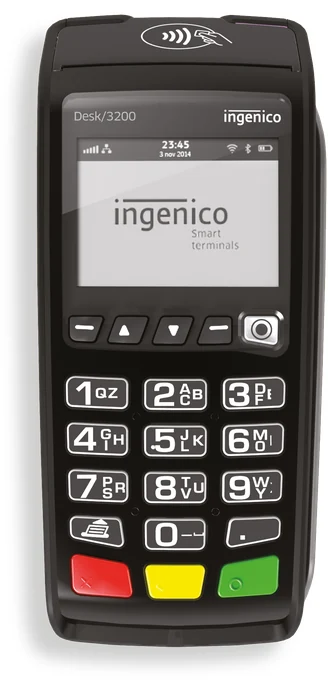
Bank card terminals
Terminals compatible with your till
Send the total and receive the terminal response within the same till workflow.
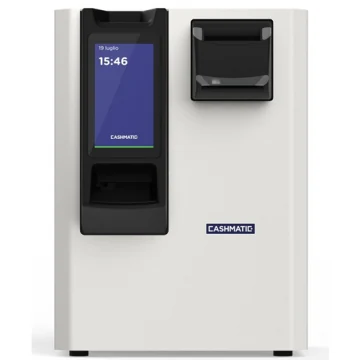
Cashmatic 1060
SelfPay · automated cash handling
The guest inserts notes and coins; the machine counts the cash and gives change.
01
Cards and wallets, through the POS
Guests choose a card, phone or smartwatch to pay through the configured terminal.
Apple Pay
Google Pay
Visa
Mastercard
American Express
JCB
UnionPay
Contactless
02
Meal vouchers, on the same bill
Record paper and electronic meal vouchers, the amount used and any remaining balance paid another way.
Examples of voucher issuers
Ticket Restaurant®Edenred
Pluxee
Day
Pellegrini
Repas
Voucher authorisation and reimbursement remain with the issuer’s terminal or service. RistoEasy records the corresponding payment.
Even when guests split the bill
Itemised splits, equal shares, mixed payments and Satispay recorded as a payment method.